SIM Swap & OTP Scams Travelers Face (and How to Stop Them)
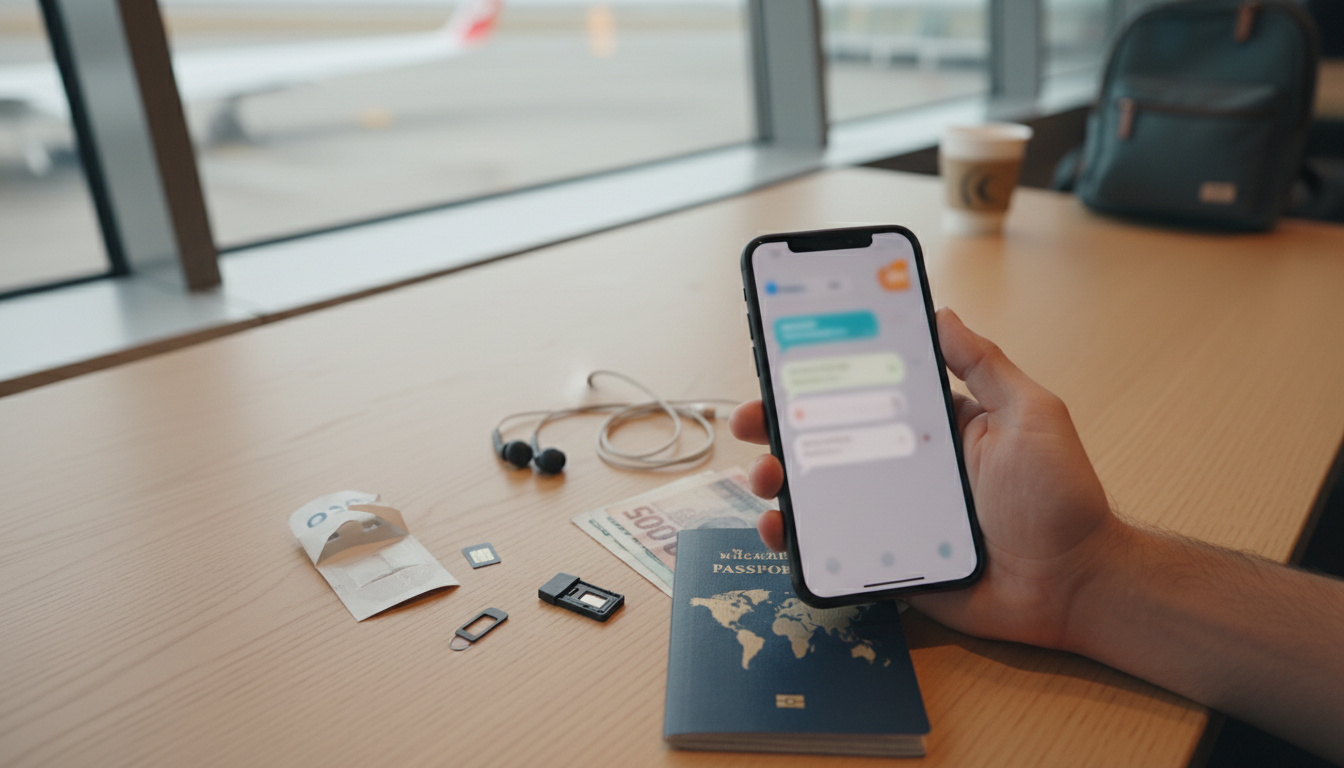
What are common SIM swap and OTP code scams targeting travelers, and how can you prevent them?
Travelers are attractive targets because they rely heavily on their phones for banking, ride-hailing, maps, and account logins. Two of the most damaging fraud types are SIM swap attacks (where your phone number is hijacked) and OTP code scams (where criminals trick you into sharing one-time passcodes).
Common SIM swap scams travelers run into
Carrier impersonation: A scammer pretends to be you and convinces a mobile carrier to move your number to a new SIM/eSIM. Once your number is transferred, they can receive calls and SMS codes meant for you.
“Lost phone” urgency: Attackers use bits of personal data (from data breaches, social media, or stolen documents) to sound convincing and push a rushed port-out while you’re in transit.
Port-out to drain accounts: After taking your number, they reset email, banking, and social accounts that still use SMS-based verification.
Common OTP code scams that hit travelers
Fake verification messages: You get a text or WhatsApp message saying an account is locked, a delivery failed, or a payment needs confirmation—then you’re urged to “share the code.”
Hotel/airline/ride-hail impersonation: A caller claims to be the front desk, airline support, or a driver and asks for an OTP to “confirm your identity.”
Account recovery traps: The scammer triggers a real login attempt so you receive a genuine OTP, then pressures you to read it aloud.
How to prevent SIM swap and OTP fraud while traveling
Lock down your carrier: Add a carrier PIN/passcode, enable port-out/transfer protection, and remove any weak security questions.
Stop relying on SMS for 2FA: Use an authenticator app or security key where possible. Keep backup codes stored securely offline.
Never share OTPs: Legit companies won’t ask for your one-time code. Treat any request as a red flag.
Harden your key accounts: Use a password manager, unique passwords, and stronger recovery options (email security, recovery codes, trusted devices).
Watch for early warnings: Sudden “No Service,” unexpected SIM/eSIM prompts, or logins you didn’t request—contact your carrier immediately and change passwords from a trusted device.
For a deeper, step-by-step checklist and travel-ready security tips, visit: https://easytreasuresgallery.shop/what-are-common-sim-swap-and-otp-code-scams-targeting-travelers-and-how-can-you-prevent-them/
FAQ
What should you do if your phone suddenly shows “No Service” while abroad?
Assume a possible SIM swap: contact your carrier immediately to freeze the number/porting, then change your email and banking passwords from a secure connection. Review account activity and revoke unknown devices or sessions.












Leave a comment